
Video Speedifier
Take control of every video you watch.
Adjust playback speed with a smooth slider and quick presets. Use Overdrive to go even faster. Works on YouTube, Netflix, courses, and most video players.
See it in action
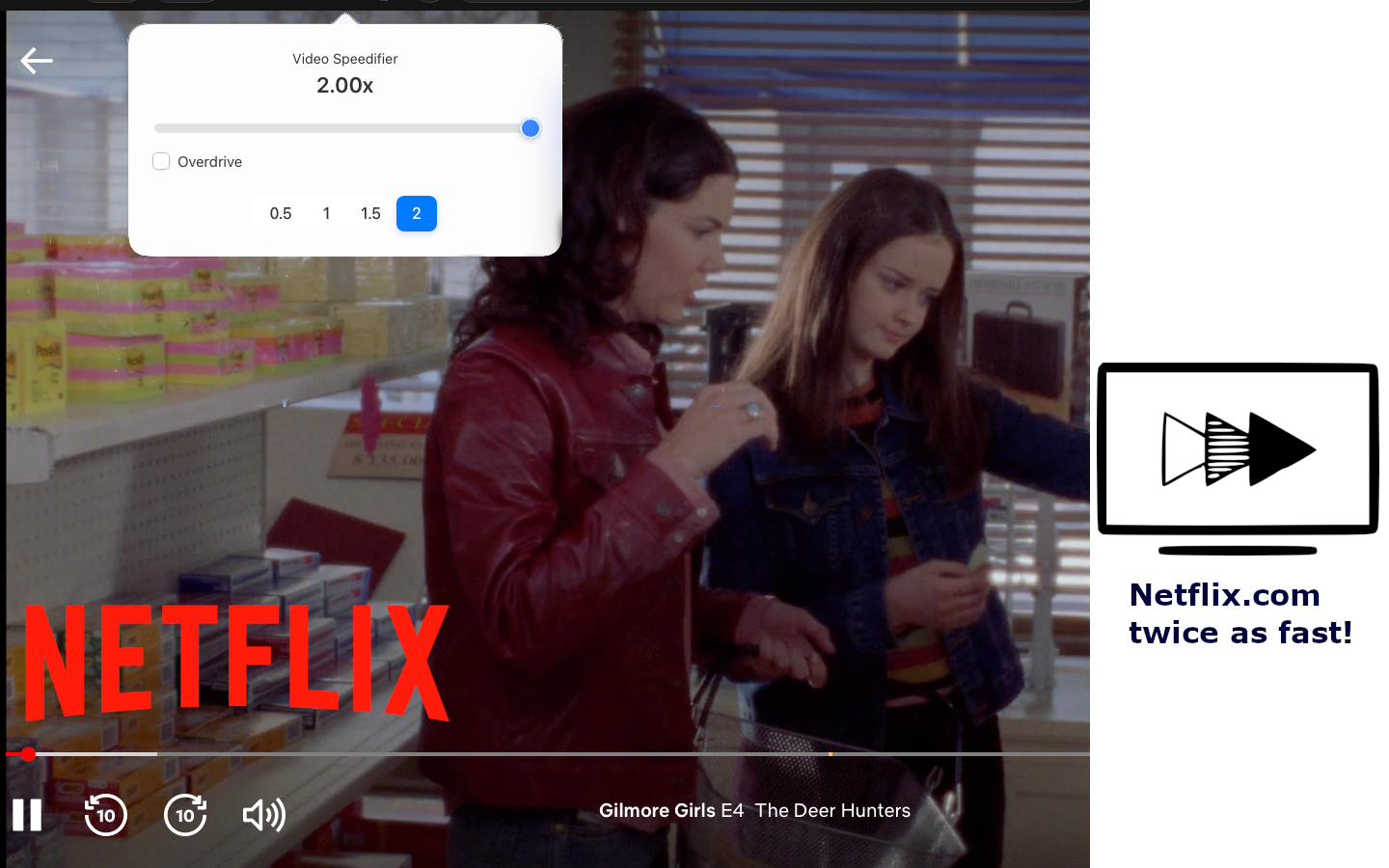
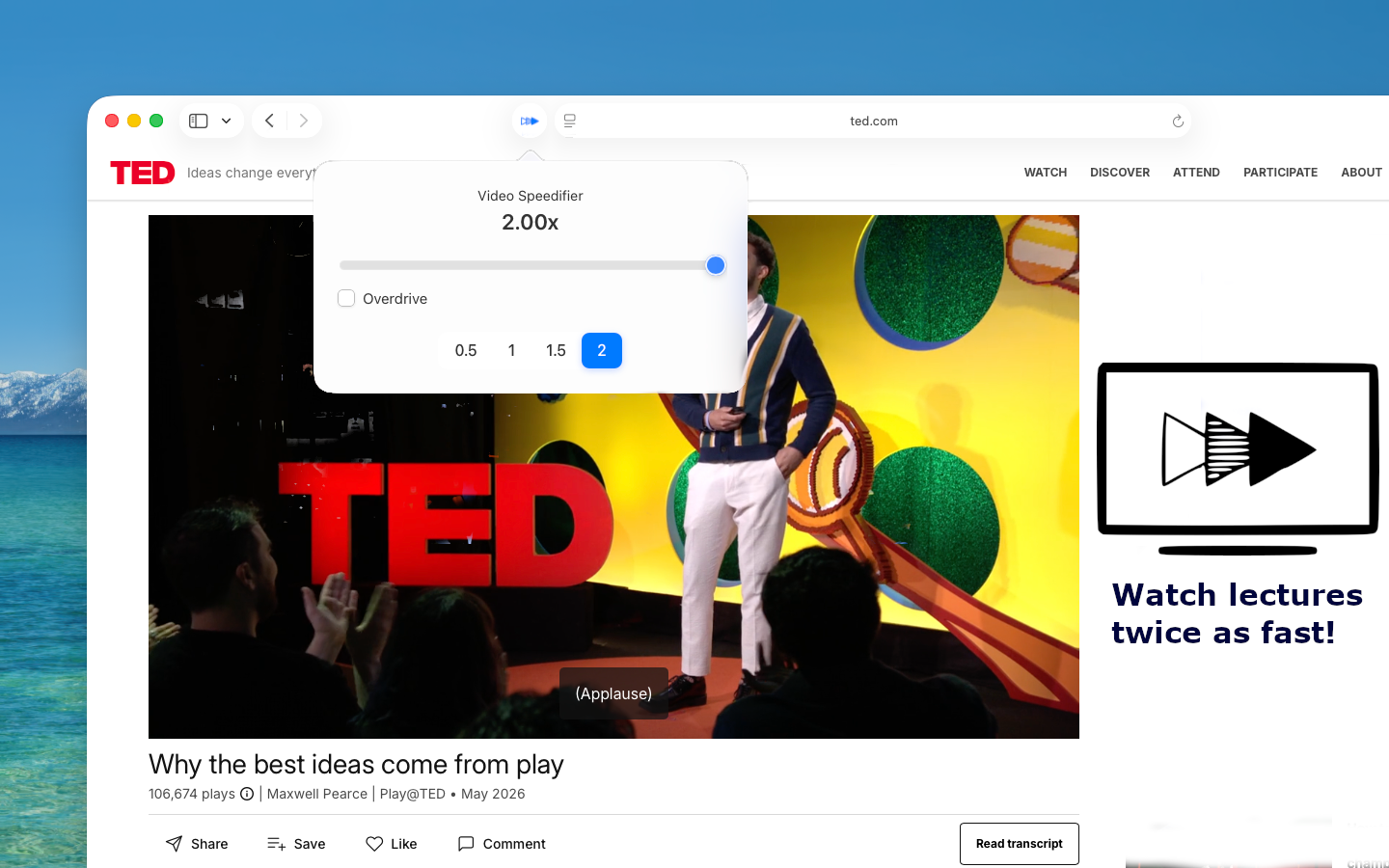
Take control of every video you watch.
Video Speedifier is a clean, powerful Safari extension that lets you adjust playback speed on any website with precision and ease.
Use the smooth slider for fine-grained control (0.1× increments) or tap the quick preset buttons for common speeds. Turn on Overdrive when you want to push speeds even higher. It works across YouTube, Netflix, online courses, Twitch, and most other video players — including tricky ones that try to reset the speed.
Key Features
Getting started
Getting started is simple: install the app, enable Video Speedifier in Safari’s Extensions settings, and you’re ready to go. The extension then appears in your toolbar whenever you need it.
Whether you’re speeding through lectures, slowing down language content, or just want to watch at your own pace, Video Speedifier gives you full control without leaving the page.
Ready to watch at your own speed?
Search for “Video Speedifier” on the App Store or enable the Safari extension after installing the companion app.